
We are willing to bet we're not the only ones who have saved articles to read later, only to find that 'later' never comes. Life is so busy, and it's really hard to set aside time for reading when you're constantly on the go. But there are plenty of moments where we do have the ability to listen, so wouldn't it be great if we could hear the articles instead?
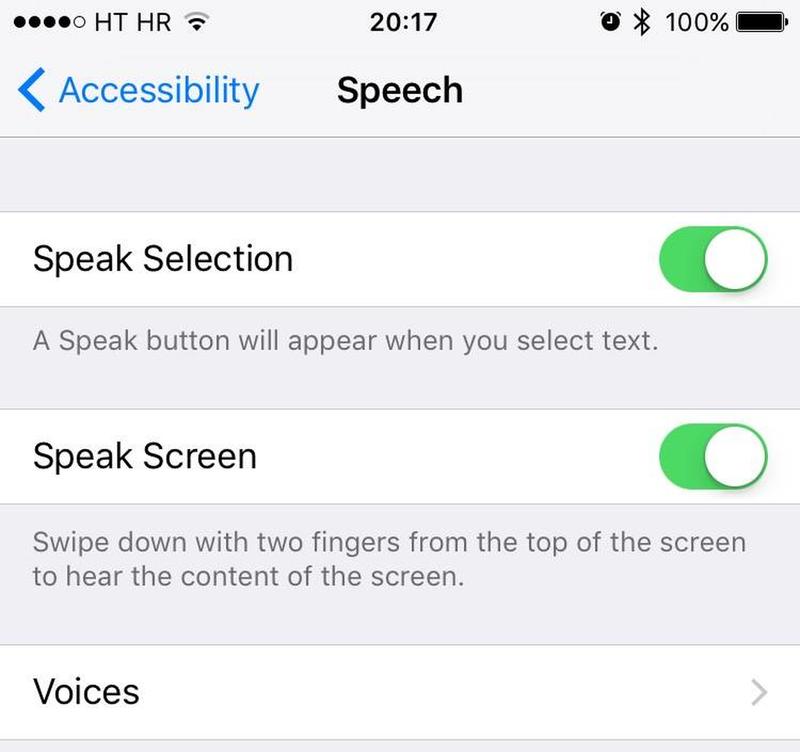
Make use of the iPhone's Speak Screen feature by going to Settings > General > Accessibility > Speech. Activate 'speech screen' and you'll be all set. When you have the article you want to read up on your screen, just pull down with two fingers and your iPhone will read it out to you. Now you'll always get to 'read' all the articles you want!