
If you're constantly switching between alphabet and numeric keyboards to type numbers, we're here to tell you there's a much easier way. We can't even count the amount of times we've been typing a phone number into a text, or any other number for that matter, and have become frustrated with all the back and forth going on. It's simply too much of a time waster in this day and age!
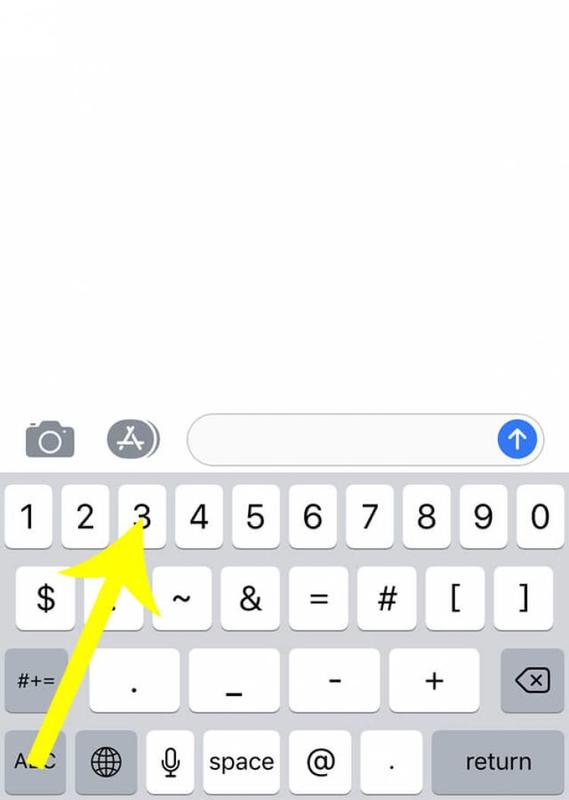
All you have to do is press and hold the numeric keyboard button (the '123' button) and enter the numbers you need. Once you've released the '123' button, the keyboard will automatically switch back to the alphabet mode. One of these days, the developers at Apple may eventually create an extra number row as many Android phones have, but until then, this is more than adequate.