
Much research into the effect of blue light on sleep has been conducted, and the general consensus is that less blue light from electronic gadgets equals a better, healthier sleep. This is mostly down to blue light's ability to disrupt melatonin levels, the hormone that regulates healthy sleep cycles. You may have even experienced feeling 'wired' and awake after staring at a screen very close to bedtime.
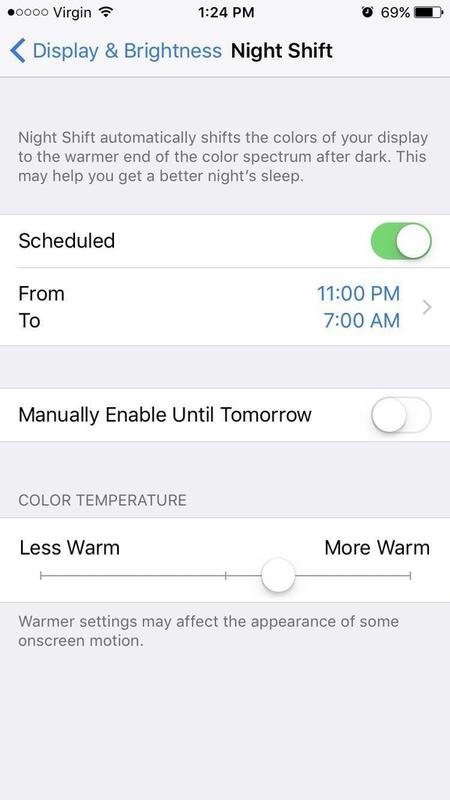
You can reduce blue light and its side effects by activating the 'night shift' setting on your iPhone. Activate on demand by swiping up from the bottom of your screen and tapping the button in the Command Center. Or, go to Settings > Display & Brightness > Night Shift to schedule it for a specific time. Most people who use this function make sure it's activated at least two hours before they plan to sleep.